- 인기검색어
- #Netwrok camera #AI camera


SMART TECHNOLOGY FOR SECURITY AND SURVEILLANCE.
Search
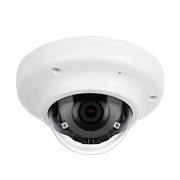
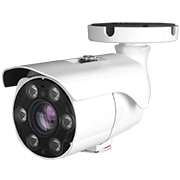
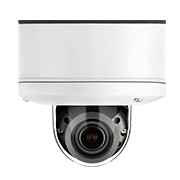
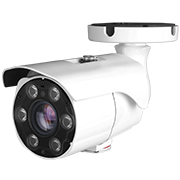
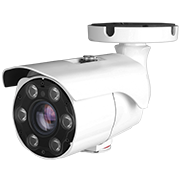
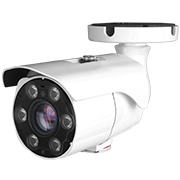
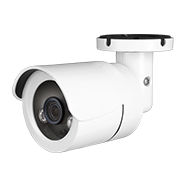
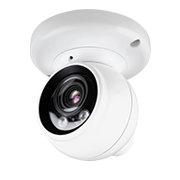
Camera accessories are not mandatory.
Depending on the construction environment, it can be installed alone without camera accessories.
If you need the accessory, need to review the compatible camera and accessories.
The detailed information of accessory is posted on the website.
We recommend you to using the power adapter which can support more than double power consumption of the product specification.
The current consumption of the camera is variant due to power voltage dip occurred by power cable length or material.
You could download the IP installer at the CPRO website.
*IP installer download reference
When you download it, the mouse needs to pointed at the products.
- Attached file
- ip 인스톨러 위치.png
Default login information is admin / admin.
Once you logging into the camera for the first time, you need to change the log-in information following the guide-line.
The multi-sensory camera is unification of multiple sensors at a one camera.
As it can be connected at a one IP address that you could using the multiple channels in accordance with sensors.
It works efficiently at installation / space / maintenance cost as install the only one piece camera.
| WORD | DESCRIPTION |
|---|---|
|
AGC (Auto Gain Control)
Auto Gain Control automatically controls gains to keep the low illuminance characteristics of the image constant. |
|
|
AWB (Auto White Balance)
In general, the color temperature varies from 3000(°)K to 7000(°)K depending on the camera installation location and the day and night time zone, which intensifies the color change of the monitor screen. To solve this problem, you can automatically balance the color with the AWB function to see a natural screen. |
|
|
AF (Automatic Focus)
Automatic Focus automatically adjusts the focus of the
camera lens. It usually focuses on the center of the screen. |
|
|
AE (Automatic Exposure)
Automatic Exposure adjusts the shutter speed and the aperture value according to the light amount condition to obtain automatically appropriate exposure. |
|
-
 NewsletterCPRO Newsletter Vol.45
 -
 NewsletterCPRO Exhibition Newsletter
 -
-
-
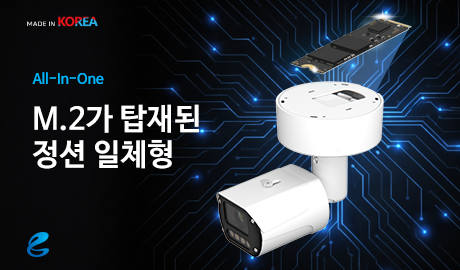
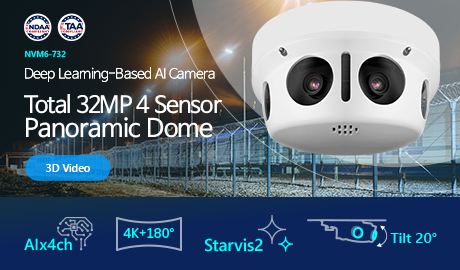 NewsletterCPRO Newsletter Vol.44
 -
-
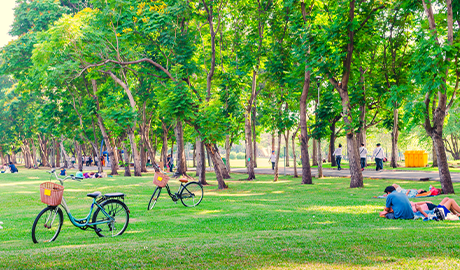
 EtcLibrary - Washington, D.C.
 -
 EtcGovernment agency - Cornish, New Hampshire
 -
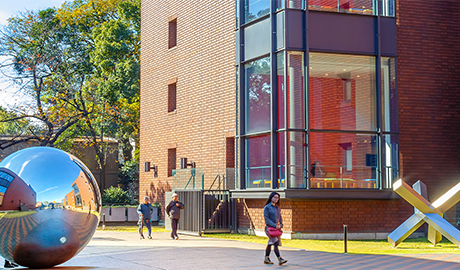 EducationUniversity - Gallup, New Mexico
 -
 EducationSchool - Oxnard, California
 -
 EducationUniversity - Little Rock, Arkansas
 -
 RetailPizza Shop - Northlake, Illinois
-
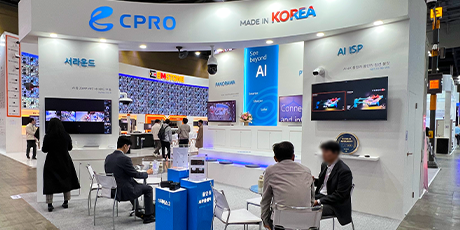 NOTICE[SECON & eGISEC 2026] CPRO
 -
 PRESS[Security Award Korea] Young-Soo Lee, CEO of CPRO: “A Generational Shift in AI I..
 -
 PRESSKOREA SW AWARDS Winner - RetailTrend V2
 -
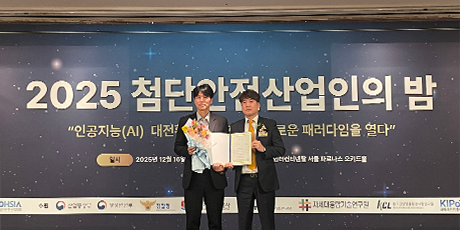 PRESS2025 High-tech Safety Workers' Night [NSF3-78-RS / KCL Director’s Award – Produc..
 -
 PRESSCpro Co. Ltd. has been selected as the Global Top Security 50 company for 2025 b..
 -
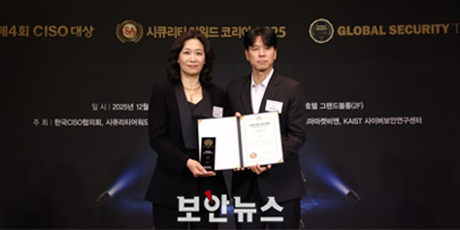 PRESSThe security festa 2025


- HQ & Factory
-
#605~607, 234, Galmachi-ro, Jungwon-gu, Seongnam-si, Gyeonggi-do, Korea (13211)
Fax: +82-31-735-5453 E-mail: st@cpro-cam.com
- R&D Center
-
#3F, 144, Gasan Digital 2-ro, Geumcheon-gu, Seoul, Korea (08503)
Fax: +82-31-735-5453 E-mail: st@cpro-cam.com